


Documentation
Nextcloud
Using SFTP you can connect your remote-backups.com datastore to your Nextcloud instance, providing a secure offsite storage for your data. This makes use of the nextcloud "External Storage" addon, which is installed by default but needs to be enabled.
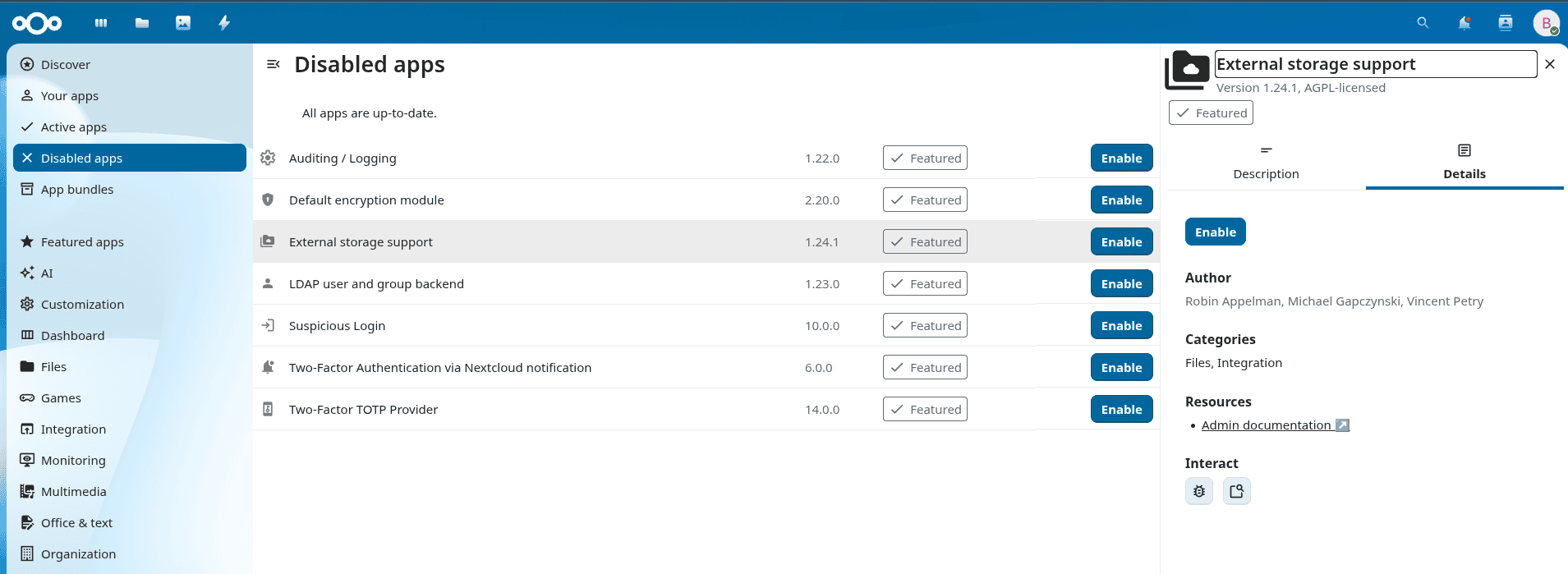
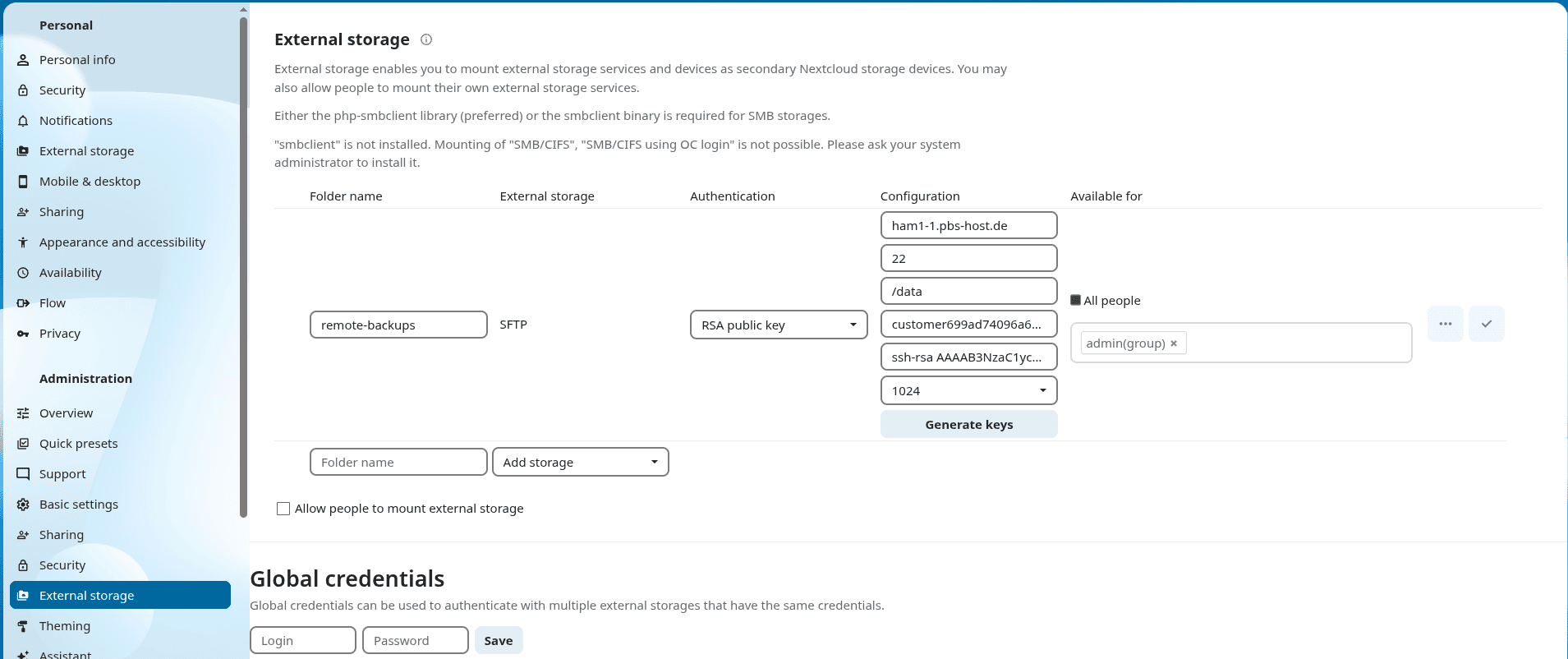
After enabling it, navigate to the administration settings and find the external storage page. Create a new storage and fill in the information like below. We will generate a new SSH-Key and import that to the datastore in the next step. So after saving the connection will fail at first.
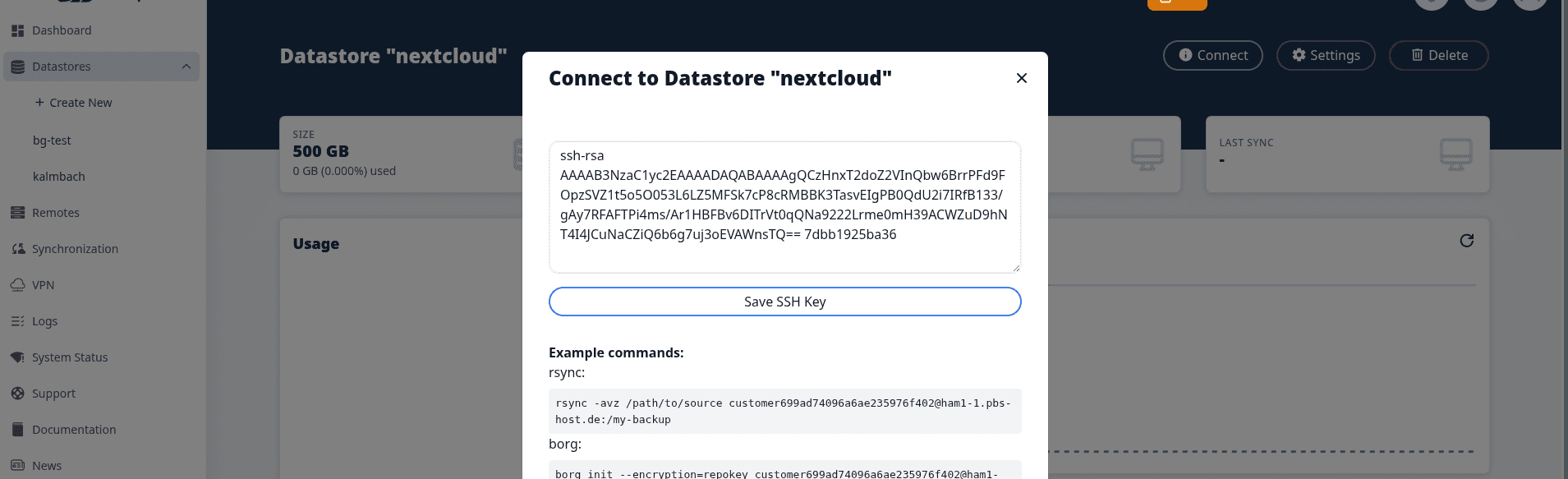
now copy over the SSH public key into the datastore settings modal (Connect > rsync / borg / sftp) and click "Save SSH Key".
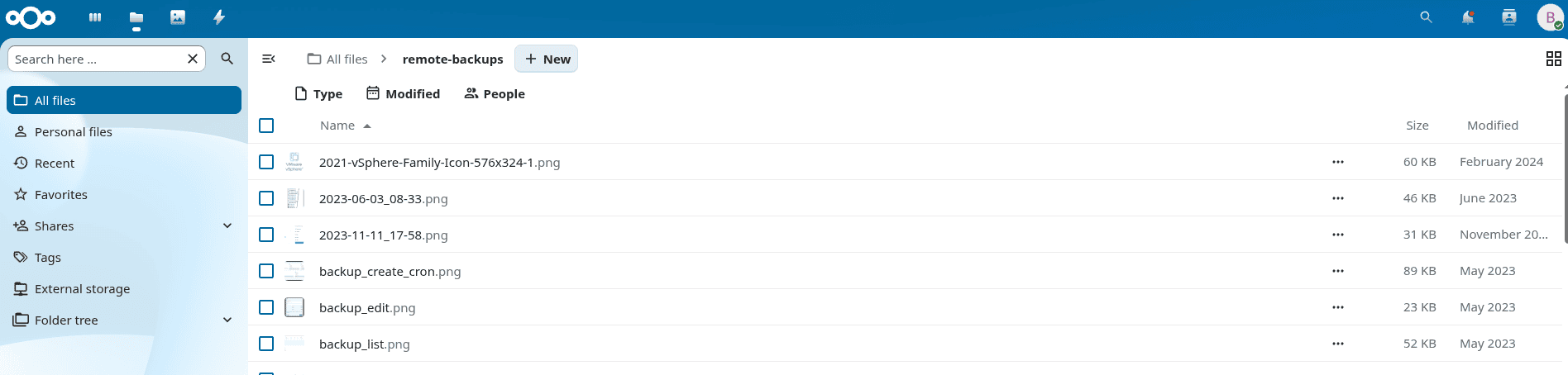
now you can go to "Files" and browse the external storage, upload files and all the nice things you can do in Nextcloud.