NAS and Apps
Many NAS systems and apps can store their data on a datastore. They connect over SSH with Borg or SFTP, so they need the same SSH key setup as the command-line tools in SFTP, rsync and Borg. Select your system for the steps that follow.
Synology devices back up to a datastore with Borg. Set up the SSH key as described in SFTP, rsync and Borg, then follow the step-by-step guide by BorgBase: Borg on Synology. Use the user and host of your datastore instead of a BorgBase repository.
QNAP devices back up to a datastore with the Borg plugin for QNAP: Borg Backup for QNAP. Set up the SSH key as described in SFTP, rsync and Borg, then point the plugin at the user and host of your datastore.
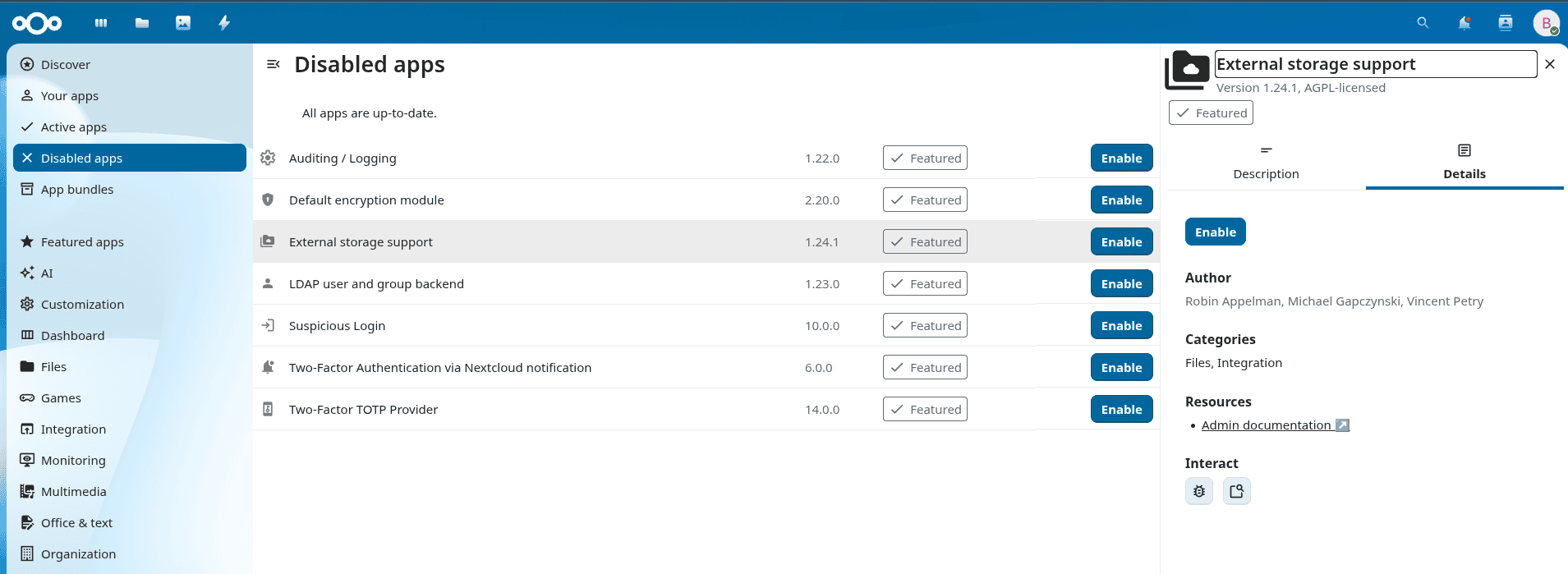
Nextcloud mounts a datastore as external storage over SFTP. This uses the External storage support app, which comes with Nextcloud but is turned off by default. Enable it first:
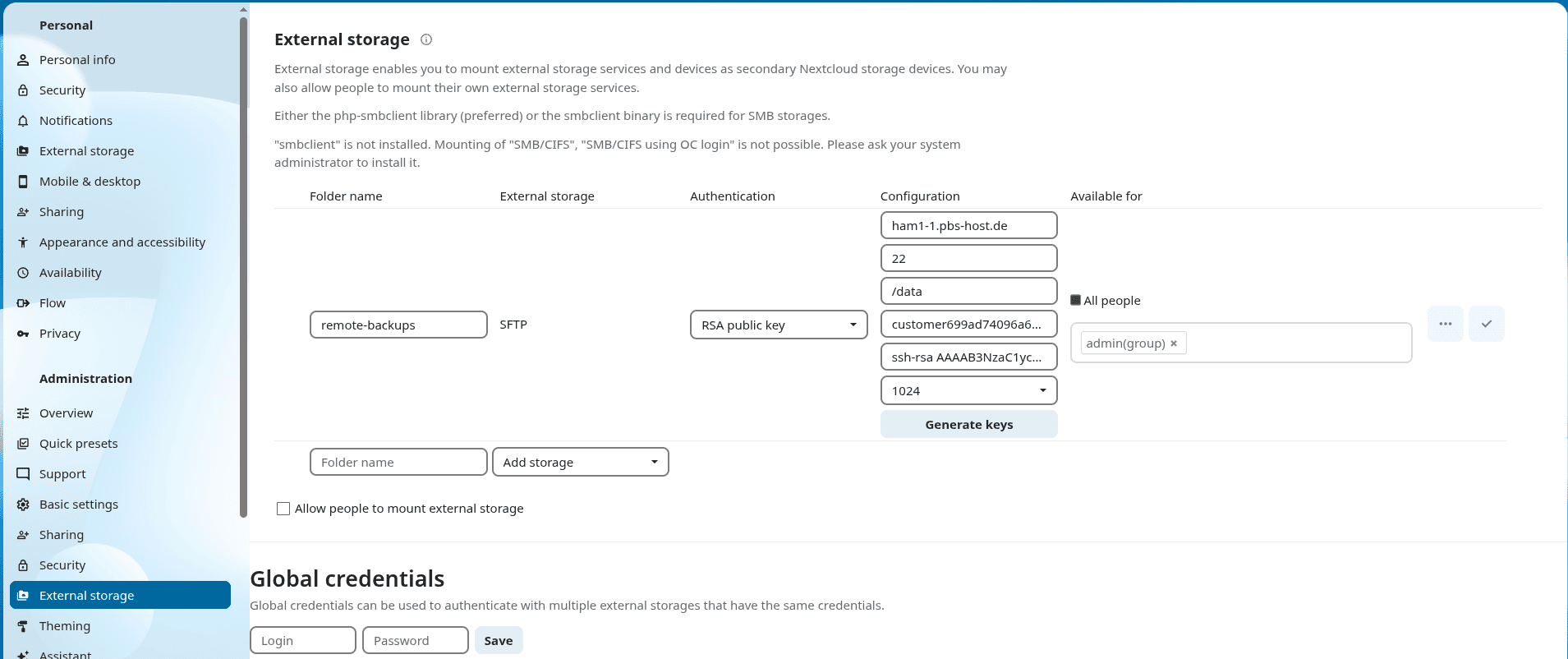
Then open the administration settings, go to External storage and create a new storage with the values below. Let Nextcloud generate a new SSH key pair. The connection fails at first, because the datastore does not know the key yet:
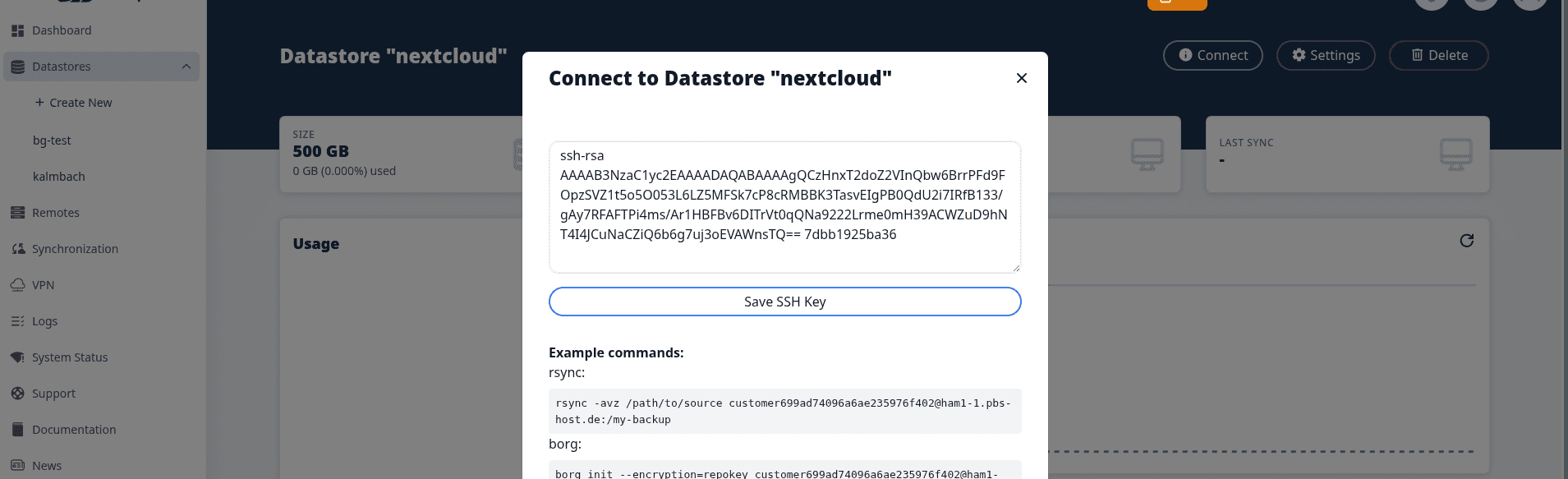
Copy the public key into the datastore: Connect, rsync / borg / sftp, then Save SSH Key:
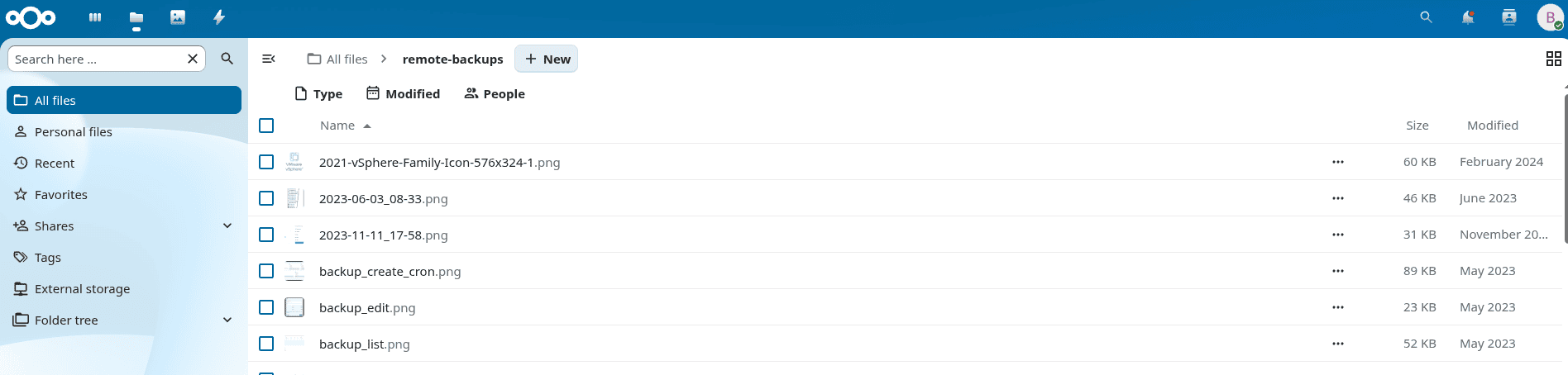
Now open Files in Nextcloud. The external storage shows up as a folder, and you can browse it and upload files like anywhere else: